
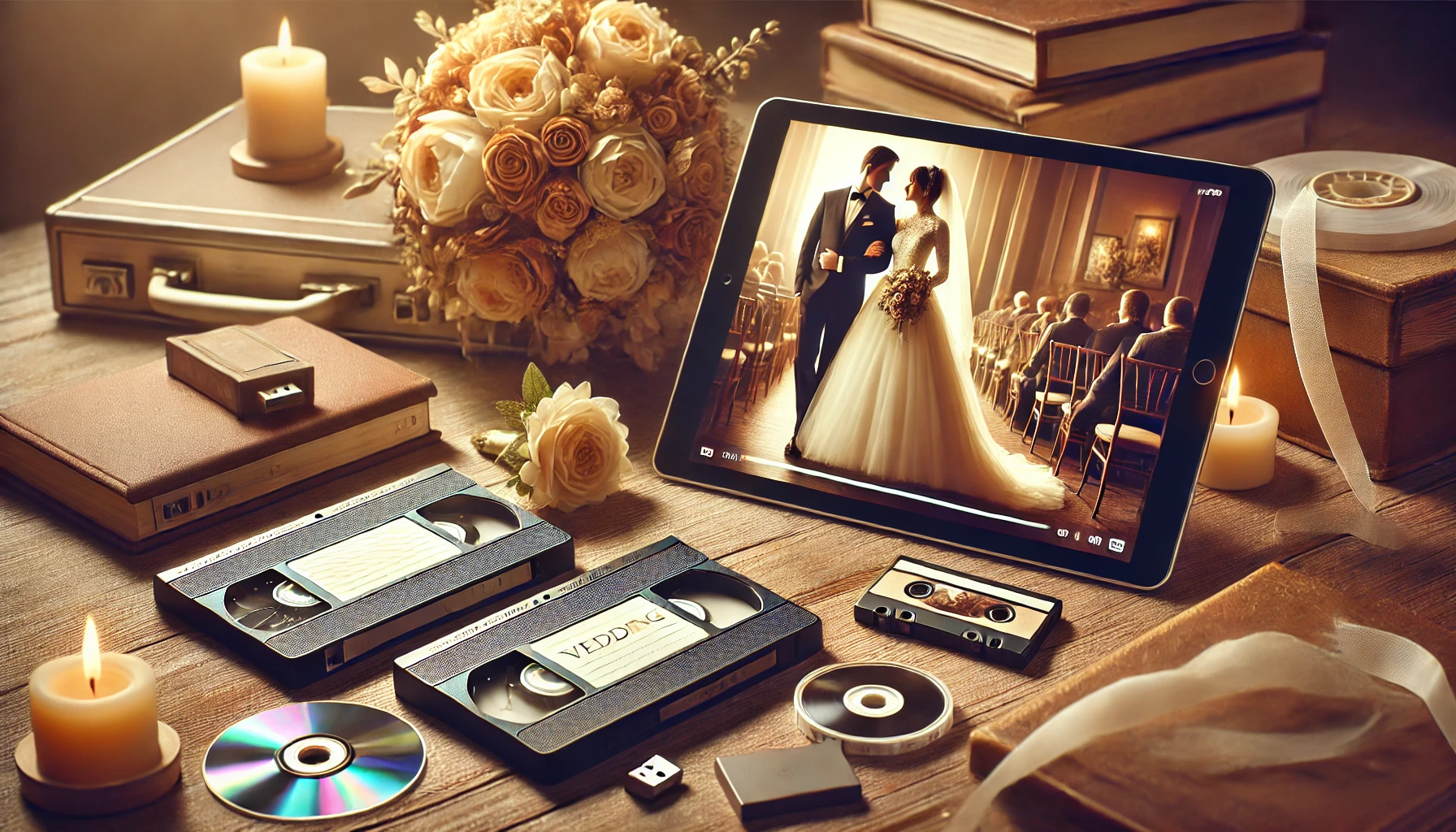
Your wedding day is one of the most memorable days of your life, filled with love, laughter, and cherished moments. Capturing these memories on video allows you to relive the magic for years to come. However, as technology advances, those treasured wedding videos may be stored on outdated formats, making them difficult to access or share. Digitizing your wedding videos not only preserves their quality but also makes sharing them with family and friends easier than ever.
In this article, we’ll explore the best ways to digitize and share your wedding videos, ensuring that those special moments are preserved and enjoyed by your loved ones for generations.
1. Why Digitize Your Wedding Videos?
Before diving into the how-tos, it’s important to understand why digitizing your wedding videos is so essential:
- Preservation: Analog formats like VHS tapes degrade over time, leading to loss of video quality. Digitizing your videos ensures they remain in pristine condition.
- Convenience: Digital files are easier to store, access, and share. You can watch them on various devices, including smartphones, tablets, and computers.
- Sharing: Digital videos can be easily shared with family and friends across the globe, allowing everyone to relive those special moments together.
2. Choosing the Right Digital Format
When converting your wedding video, selecting the right digital format is crucial. Here are a few popular formats to consider:
- MP4: This format is widely supported across devices and offers a good balance between quality and file size.
- AVI: Known for its high quality, but it results in larger file sizes. It’s suitable if storage space isn’t a concern.
- MOV: Ideal for Apple devices, this format provides excellent quality but may not be as universally compatible as MP4.
- MKV: Offers high quality with smaller file sizes, making it a good option for storing long videos.
3. How to Digitize Your Wedding Videos
Digitizing your wedding video can be done in several ways, depending on the format of the original footage and the tools you have available:
- Professional Conversion Services: If you have old VHS tapes or DVDs, professional conversion services can handle the entire process for you. They have the equipment and expertise to convert your video into a high-quality digital format, often providing additional services like color correction or audio enhancement.
- DIY Conversion Kits: For the tech-savvy, DIY conversion kits are available for purchase. These kits typically include the necessary hardware and software to connect your VCR or DVD player to your computer and convert the video yourself. While more hands-on, this method allows for greater control over the final product.
- Mobile Apps: If your wedding video is already on a digital format but needs to be optimized for sharing, mobile apps like Adobe Premiere Rush or iMovie can help you edit and compress the video. These apps are user-friendly and perfect for making quick adjustments before sharing your video.
4. Tips for Sharing Your Wedding Videos
Once your wedding video is digitized, sharing it with family and friends becomes a breeze. Here are some tips to ensure everyone can enjoy your special day:
- Cloud Storage: Upload your video to a cloud storage service like Google Drive, Dropbox, or iCloud. This allows you to easily share the video link with anyone, regardless of their location. Cloud storage also provides a safe backup of your video.
- Social Media: If you want to share highlights or a short version of your wedding video, social media platforms like Facebook, Instagram, or YouTube are great options. You can create a private group or channel to ensure only selected people can view it.
- USB Drives: For a more personal touch, consider gifting USB drives with your wedding video to close family members. You can even customize the drives with your wedding date or a special message.
- Email: For smaller video files, emailing your wedding video or a highlight reel is a quick and easy option. Just ensure the file size is within the email provider’s limits.
5. The Emotional Value of Reliving Your Wedding Day
Digitizing and sharing your wedding video is more than just a technical task—it’s about keeping the emotional connection to that special day alive. Watching your wedding video with loved ones allows you to relive the joy, the tears, and the laughter. It’s a way to reminisce about the past and celebrate the journey you’ve been on together.
Sharing your wedding video can also strengthen bonds with family and friends. For those who couldn’t attend the wedding, it offers a glimpse into those moments they missed. For those who were there, it’s a chance to reflect on the day’s highlights and feel that same happiness all over again.
Conclusion
Digitizing your wedding video is a wonderful way to preserve and share one of life’s most significant moments. By converting your video into a digital format, you ensure that the magic of your wedding day is never lost and can be enjoyed by future generations. Whether you choose to share it through cloud storage, social media, or a simple USB drive, the emotional impact of reliving your wedding day will always remain a cherished experience for you and your loved ones.